The 8th Specialist: An AI That Breaks Things on Purpose
The AI Development Loop — 6-Part Series
- AI-Assisted Development: A Loop, Not a Chat
- /plan-issue: Collaborative Planning with AI
- /work-issue: Autonomous Implementation
- /qa-run: AI-Driven QA That Closes the Loop
- Specialist Agents: Looking at Every Page with Different Eyes
- The 8th Specialist: An AI That Breaks Things on Purpose
This is Part 6 of my series on AI-assisted development. Part 5 covers the specialist model, Part 4 covers /qa-run.
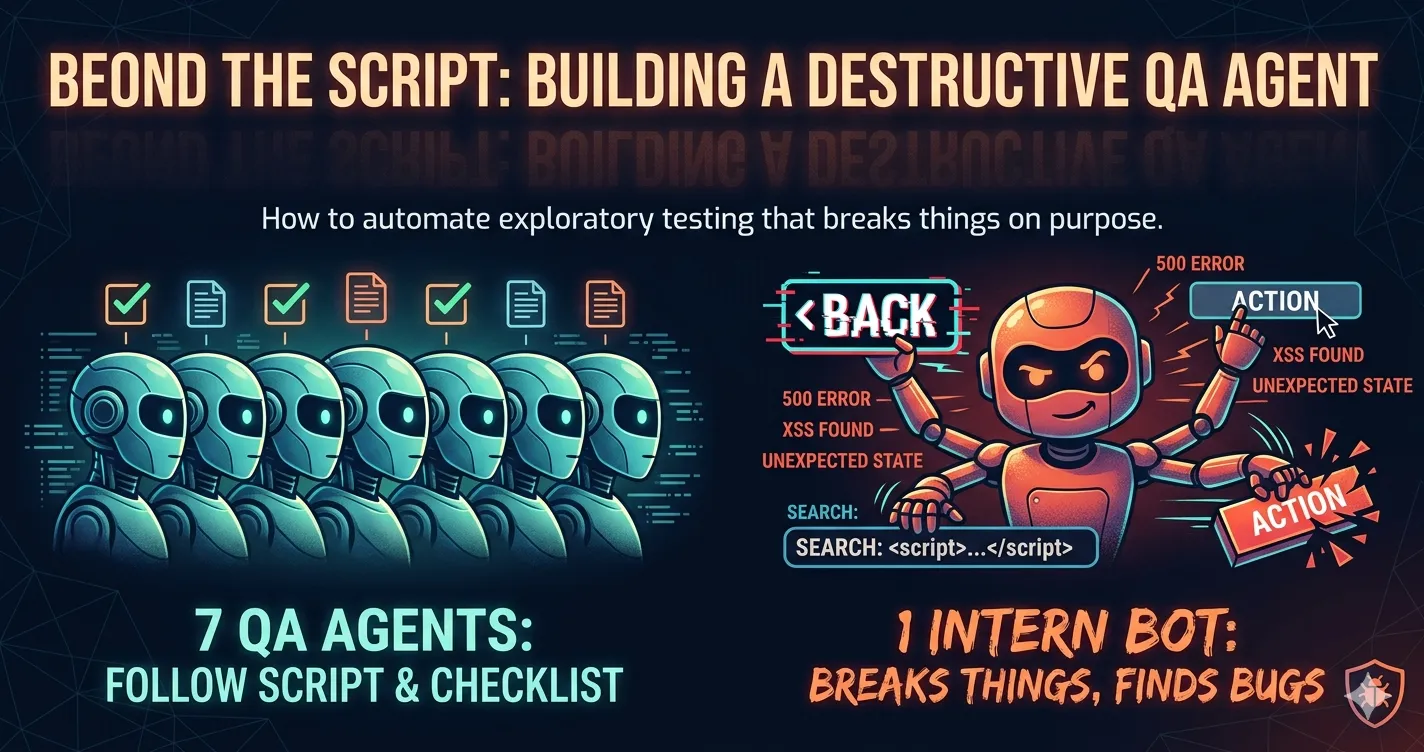
My QA system has a blind spot. The 7 specialists are good at checking what I tell them to check — but they only look at pages the journey takes them to, doing exactly what the journey says to do. They verify. They don’t discover.
Real QA testers don’t just follow scripts. They sit on a page and think: “What happens if I click this twice? What if I navigate here directly? What if I submit this form empty?” They break things on purpose. That instinct — poking at things nobody planned for — is where the best bugs come from.
So I built an 8th specialist. The Explorer.
The blind spot
Here’s the problem with scripted journeys:
Journey J07 says “Login as reviewer, navigate to /reviews, verify the review queue loads.” The QA specialist checks that data is correct. The UX specialist checks that navigation is clear. The security specialist checks that auth is enforced. They all report OK.
But nobody asks:
- What happens if the reviewer manually navigates to
/admin/users? - What happens if you click the “Submit Review” button twice?
- What happens if you refresh the page after submitting a form?
- What happens if you type
<script>alert('xss')</script>into the search box?
These are the things that a QA person would try instinctively. My journeys don’t cover them because I’d have to think of every possible edge case when writing each journey — and I won’t. Nobody does.
How the Explorer works
The Explorer is different from the other specialists in one important way: it touches the browser.
The other 7 specialists are passive — they receive a snapshot of the page state and analyze it. The Explorer is active — it gets direct access to Playwright and actually clicks things, navigates, types, and observes what happens.
It runs after the regular specialists finish each step. The flow is:
Step N: Do the action → Capture state → Run specialists (passive) → Run Explorer (active) → ContinueThe Explorer receives the current page state, figures out what’s interesting to probe, does 5-6 experiments, takes screenshots of anything unexpected, then navigates back to where it started so the journey can continue.
What it probes
I split the probes into two categories based on whether they can corrupt state:
Non-destructive (safe at every step):
- Authorization probing — navigate to routes the current role shouldn’t access. If I’m logged in as a regular user, try
/admin/users,/templates,/reviews. Does the app redirect? Does it flash unauthorized content before redirecting? - Navigation chaos — hit the browser back button, refresh the page, navigate to a nonexistent route. Does the app handle it or does it break?
- UI edge cases — click disabled buttons (are they actually disabled?), resize to mobile (375px), click the same button twice. Things users do that developers don’t test.
- Input boundaries — type
<script>into search boxes, paste 10,000 characters into text fields, search with empty strings. Not to exploit anything, just to see if the app handles it. - Silent errors — check the console for errors the UI swallowed, check network requests for 4xx/5xx responses that never showed an error message to the user.
Destructive (end of journey only):
- Form abuse — submit forms empty, with whitespace, with extreme values. Submit the same form twice rapidly.
- State disruption — clear the auth token from localStorage without navigating away. Does the page crash? Modify the user role in localStorage. Does the UI re-render with wrong permissions?
- Delete flows — do destructive actions have confirmation dialogs?
The destructive probes only run at the end of the journey (when corrupting state doesn’t matter) or when you explicitly opt in with --explore=full.
Why not a separate browser?
My first idea was to run the Explorer in a parallel browser tab while the main journey continues. More efficient, right?
No — it’s worse. If the Explorer is clicking around in tab 2 while the journey advances in tab 1, you get race conditions. The Explorer deletes a record, the journey tries to access it, the journey fails. Now you have a false bug report that wastes debugging time.
Same browser, same window, sequential. The Explorer runs after each step, does its thing, restores state, and hands control back. Slower, but the findings are real.
The state restoration problem
There’s a subtlety: the Explorer itself can break things for the next step. If the Explorer navigates to /admin/users at step 5 to test authorization, and then step 6 expects to be on /reviews, the journey breaks.
The solution is simple: the Explorer records the current URL before probing and navigates back when it’s done. If it modified localStorage, it restores the original values. The rule is: after the Explorer finishes, the page must be in the exact state it was before.
This is why the non-destructive/destructive split matters. Non-destructive probes (navigating, clicking, typing into search boxes) can be undone by navigating back. Destructive probes (submitting forms, deleting records) change server state — you can’t un-submit a review. Those only run when state doesn’t matter anymore.
The finding format
This is the part I care about most. Every Explorer finding needs to be reproducible by whoever fixes it. Not “I found a bug somewhere” — exact steps to get from a clean state to the broken state.
Here’s what an Explorer finding looks like:
[EXP-BUG] Double-submit creates duplicate review

- Page: /reviews/15
- Role: reviewer@test.com

### Reproduction Steps
1. Navigate to http://localhost:5173/reviews/15
2. Fill review form (status: "approved", comment: "LGTM")
3. Click "Enviar Revision" button
4. Immediately click "Enviar Revision" again (within 500ms)

### Observed
Two review entries created, toast shown twice, review count incremented by 2

### Expected
Button should disable after first click, or second request should be idempotent

### Evidence
Screenshot: qa/reports/J04-step8-explore-double-submit.png
Console: no errors
Network: two POST /api/reviews/15/submit (both 200)
With that, a developer (or /work-issue) can:
- Reproduce it in 30 seconds
- Write a test that does exactly those steps
- Verify the fix prevents the duplicate
Compare that to a typical bug report: “Sometimes reviews get duplicated.” The Explorer doesn’t just find the bug — it writes the reproduction recipe.
How to use it
The Explorer is opt-in. It doesn’t run unless you ask for it:
/qa-run 07                    # Normal run, no exploration
/qa-run 07 --explore          # Normal run + non-destructive probes at each step
/qa-run 07 --explore=full     # Normal run + all probes including destructive
I kept it opt-in because it adds time. Each step gets 5-6 extra browser interactions — navigating to unauthorized routes, resizing viewport, typing into inputs, clicking things. On a 14-step journey, that’s 70-84 extra actions. The trade-off is time for coverage.
My pattern: I run journeys normally most of the time. Once a week, or after a big batch of changes, I run with --explore to see what falls out. The first run on a new feature page tends to find the most interesting stuff.
What it catches in practice
I’m still early with this, but the kinds of things the Explorer is designed to find:
Authorization gaps. Navigate to /admin/users as a regular user. The route redirects — but does it flash the page content for a frame before redirecting? That’s a [SEC-WARNING] even if the user ultimately can’t stay on the page.
Missing error handling. Search for <script>alert(1)</script> in the document library. The search works, returns zero results. But does the console show an unhandled error? Does the network show a 500? The UI might look fine while the backend is choking.
Double-submit bugs. Click a submit button twice. Most forms don’t disable the button after first click. If the backend isn’t idempotent, you get duplicate records.
Mobile breakage. Resize to 375x667 and check if the layout holds. Tables overflow, modals go off-screen, buttons stack on top of each other. This happens on almost every page that wasn’t specifically designed for mobile.
Back button state. Click the back button after navigating from a list to a detail page. Does the list restore its scroll position? Its filter state? Or does it reload from scratch?
How findings flow through the system
Explorer findings have their own severity scale: EXP-BLOCKER, EXP-BUG, EXP-WARNING, EXP-SUGGESTION, EXP-OK.
They show up in the QA report alongside the regular specialist findings. When I run /qa-import, they get the same treatment — deduplicated, checked against existing Linear issues, classified as Simple or Complex, and created as issues with the full reproduction steps in the description.
The loop stays the same:
/qa-run --explore → report with explorer findings → /qa-import → Linear issues → /plan-issue → /work-issue → /qa-run --exploreThe difference is that now the QA step doesn’t just verify what I thought to test — it also discovers what I didn’t.
Limitations
It’s slow. Exploration adds real time. Non-destructive probes at every step of a 14-step journey adds maybe 10-15 minutes. Not a problem for weekly runs. Not great for quick smoke tests. That’s why it’s opt-in.
It can’t try everything. 5-6 probes per step is a budget, not exhaustive coverage. The Explorer picks probes that seem relevant to the page (forms get input probes, lists get filter probes). It might miss something a more thorough pass would catch.
False positives will happen. The Explorer might flag a “bug” that’s actually expected behavior. A 404 page that intentionally shows a custom design might get flagged as a navigation issue. I expect to spend time triaging findings, especially early on.
One thing that might sound like a limitation but isn’t: the Explorer re-checks things it already found. It’ll test the same authorization redirect every run. That’s actually the point — it doubles as regression detection. If someone accidentally removes an auth guard, the Explorer catches it next run.
The bigger point
The 7 scripted specialists tell me “the things we built work as specified.” The 8th tells me “here’s what happens when people don’t follow the script.”
The difference matters. My scripted journeys have been stable for weeks — they pass, the app works as designed. But the first time I ran the Explorer on the review workflow, it found that submitting a review form and immediately clicking back left the review in a half-committed state. The QA specialist had been reporting [OK] on that step for every run. It only breaks when you do something the journey doesn’t say to do.
That’s the class of bug I never write tests for. The stuff that only surfaces when someone does something I didn’t anticipate. And instead of a vague “sometimes reviews get stuck,” the Explorer handed me exact reproduction steps, a screenshot, and the network trace. That finding became a Linear issue, got picked up by /work-issue, and was fixed the same day.
It’s not manual QA. It’s not automated testing. It’s somewhere in between — an AI that thinks like a tester, acts on its own, and writes bug reports good enough to implement fixes from.