There Is No Workflow Engine. It's Just Git.
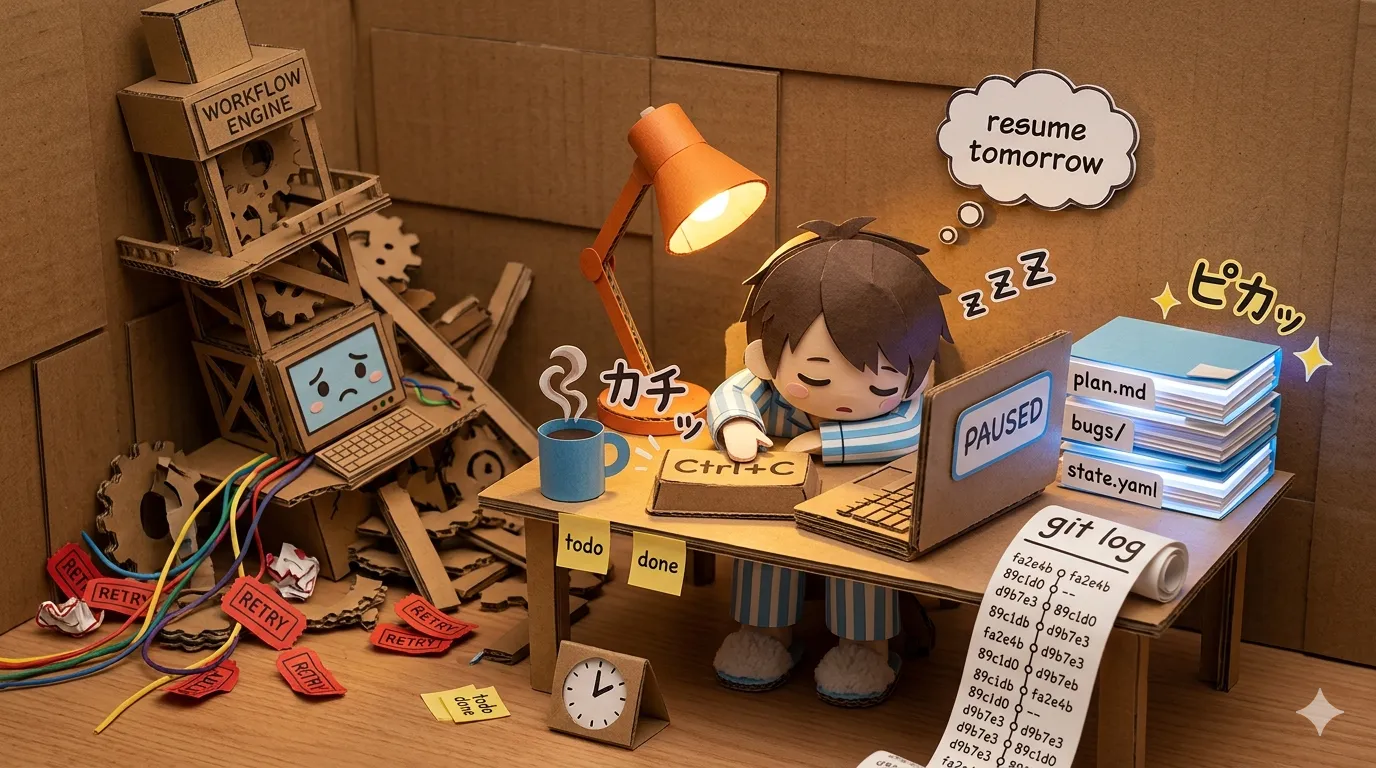
I hit Ctrl+C at 2am on a stuck pipeline. The agent was looping on a bug it couldn’t fix and I was tired. I closed the laptop.
The next morning I ran the same command. It picked up at the next task like nothing had happened.
There is no checkpoint code in my pipeline. There is no database. There is no workflow engine. The state lives in a folder of YAML files and the git log. That’s the whole persistence layer.
I keep waiting for this to feel fragile. It doesn’t.
I’ve written about the batch orchestrator before. Cron, PID files, shell script. That post was about how the loop runs unattended. This one is about a different question: where the state lives between runs, and why I never had to add a workflow engine to manage it.
What I expected to need
When I started building the orchestrator, I assumed I would eventually plug in something. A workflow engine gives you durable state, retries, replay, observability. All the things you want when a long-running process can crash halfway through. The pitch is good.
So I built the first version with a clear extension point. “I’ll start with files and swap in a real engine when this gets serious.”
It got serious. The pipeline now runs overnight, processes hundreds of bugs, commits to a real codebase. I never swapped anything in.
Where the state actually lives
The orchestrator has three kinds of state and none of them are in memory:
Plan files. A flat file lists tasks for the run. Each task has a status (todo or done) and a complexity tag (low or high) that drives model selection. When a step finishes a task, it writes done back to the file. When the orchestrator starts, it reads the file and walks to the first task that isn’t done.
| ID  | Task                                      | Cx   | Status |
|-----|-------------------------------------------|------|--------|
| 1.4 | Add per-tenant rate limit on export       | high | done   |
| 1.5 | Backfill missing created_at timestamps    | low  | todo   |
| 1.6 | Move SSO redirect URL to env config       | low  | todo   |
Bug files. One markdown file per bug, in a bugs directory. The filename encodes the source: audit, quality gate, QA walker, individual specialists. The body has frontmatter status, a description, and a resolution section once the bug is fixed. The fix loop walks the directory, picks the next open bug, runs it, updates the file.
Git. Every fix is a commit. Every commit has a Bug: <id> trailer linking it back to the bug file. The git log is the audit trail of what the pipeline has done.
That’s it. There’s no state.json, no SQLite database, no Redis queue. If you delete the orchestrator process, the state survives. If you delete the orchestrator binary, the state survives. The only thing that loses state is rm -rf.
What Ctrl+C actually does
Ctrl+C kills the current claude -p subprocess. Whatever that subprocess was about to write to disk is lost. Whatever it already wrote is kept.
That’s the whole crash semantics.
If the subprocess was in the middle of editing a file, the file is in whatever half-written state Claude left it. In practice this is rare. Claude tends to write whole files at once. When it happens, git status tells you instantly. You commit it, revert it, or finish it by hand. There is no inconsistent global state to recover. The worst case is one half-edited file in your working tree.
Compare that to a pipeline with in-memory state plus a database plus a queue. Ctrl+C means: the in-memory state is gone, the database may or may not have committed the row, the queue may or may not have ack’d the message. Now you need recovery logic. With files and git, there is nothing to recover. The next run reads the same files and continues.
Resumption is the boring case
“Resume” is a feature I had to build in every previous workflow engine I worked with. Checkpoint after each step. Store the checkpoint somewhere durable. On startup, look for an unfinished checkpoint and continue from it.
Here, resume is what happens by default. The orchestrator has no concept of “last run.” It walks the plan file from the top and skips anything marked done. It walks the bugs directory and skips anything not marked open. If yesterday’s run got through 8 of 25 tasks, today’s run starts at task 9 because that’s the first todo.
You can also pause the pipeline by hand. Open the plan file, flip a task back to todo or delete the row, save. Next run, the orchestrator picks up the new state. No flags, no overrides. The state file is the configuration.
Debugging is cat and git log
When something goes wrong, the debugger is the shell.
- Why didn’t the pipeline fix this bug?
cat bugs/bug-audit-042.md, read the status, see if it’s markedneeds-humanand why. - What did the agent do for task 1.4?
git log --grep="Bug: bug-audit-042"finds the commits. - Why are there suddenly 30 new bug files?
ls -lt bugs/ | headshows when they appeared and which audit run produced them. - Did the consolidator merge bug-042 into bug-039?
git log -- bugs/bug-audit-042.mdshows when the file was deleted and what commit deleted it.
I have used a workflow engine’s web UI to answer questions like these before. The UI was always worse than the shell. It rendered slower, hid information behind clicks, and only showed me what the engine designers thought I’d want.
The filesystem doesn’t have an opinion about what I want. It shows me everything.
What you give up
I want to be careful not to oversell this. There are real reasons workflow engines exist.
You can’t distribute the work across machines. Files are local. The orchestrator runs on one box. If I wanted ten agents running in parallel on a cluster, I’d need real coordination: locks, leases, shared queue. The “git is my workflow engine” pattern assumes one host.
You can’t run thousands of tiny steps. If each step takes a millisecond, the overhead of reading and writing files starts to matter. My steps take five to ten minutes (a claude -p invocation), so file I/O is invisible. If you’re running 10,000 sub-second steps, you need a real engine.
You can’t express complex branching. The plan file is a list. Real workflows have fan-out, conditional paths, joins. You can encode all of that in files, but at some point you’ve reinvented a workflow DSL and you’d have been better off using Temporal.
You can’t observe it from a dashboard. There’s no UI. You read files. For a team, that’s a problem. You can’t show a PM a green checkmark. For one person working alone, the shell is fine.
The pattern fits when: one host, minutes-scale steps, mostly linear flow, one or two people watching it. That’s my whole context. It might not be yours.
What didn’t work
Earlier versions tried to be smarter than this and got worse.
A separate “completed tasks” log. Early on I kept a log of completed task IDs alongside the plan file. The plan said what to do; the log said what was done. This doubled the writes and introduced a divergence bug. If the log said done but the plan file said todo, which was right? I deleted the log and put status on the task itself. The artifact that describes the work is also the artifact that tracks the work. One source of truth, not two.
Cron-driven retries. I tried having cron re-run failed tasks directly. The retries fired, but the cron didn’t know what “failed” meant. Was the task failed-and-retryable, or failed-and-needs-human? I moved the retry logic into the orchestrator and let cron just trigger the full run. The orchestrator reads the state and decides what to do.
The common thread: every time I added a layer above the filesystem, the layer became the bug.
Why it works
The deeper reason this works is that my pipeline’s unit of work is already file-shaped. A task is a YAML entry. A bug is a markdown file. A fix is a commit. The agent reads files and writes files. Persisting “what’s been done” in files isn’t a translation. It’s the same representation the agent is already using.
A workflow engine adds value when the unit of work doesn’t naturally map to files. Microservice calls with retries, database transactions, external API quotas, distributed coordination. Those need engines because the work doesn’t have a file-shaped resting place.
Agent work does. The agent’s whole purpose is to read and write the codebase. The state of the work is just the state of the codebase plus a thin metadata layer. Both are already on disk. Both are already in git.
So the workflow engine isn’t missing. It’s the wrong abstraction. The right abstraction is the one the work is already in.
The reframe
I keep finding pieces of infrastructure I assumed I’d need and don’t. A queue. A workflow engine. A retry framework. A task scheduler beyond cron. Every time, the thing I would have added solved a problem I don’t have, because my agent isn’t a microservice. It’s a process that reads and writes files.
There’s a version of this story that ends “and then I scaled to 50 engineers and had to add a real engine.” Maybe. But the lesson isn’t that workflow engines are bad. It’s that the right time to add one is when you can name the specific durability problem it solves for you, not when you’re starting and you think you might need it.
Until then, the state is in the files. The history is in the commits. The debugger is the shell.
That’s enough.